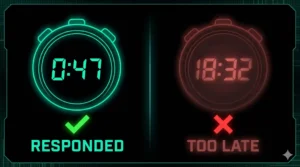
An AI Employee for SMBs is a connected stack—comprising Voice AI, Conversation AI, Reviews AI, and automation workflows—that answers calls and chats 24/7, qualifies leads, books appointments in real-time, logs everything to your CRM, and triggers follow-ups. This guide shows what it is, how it works, pricing and plans, the KPIs that matter, compliant setup, scripts that convert, and a 30-60-90 rollout plan.
What Is an “AI Employee” (and Why SMBs Use It)?
An AI Employee is not a single bot. It’s a coordinated system that handles the top 80–90% of routine conversations and busywork, then escalates edge cases to people.
Core capabilities:
- Voice AI: Answers and makes calls, qualifies, routes, and books on your calendar.
- Conversation AI: Chat on web/SMS/social; captures contact info and intent; books or hands off.
- Reviews AI: Sends review requests post-job, routes negative feedback, boosts local SEO.
- Workflows & Automations: CRM updates, reminders, missed-call recapture, nurture, internal alerts.
Business outcomes:
Clean CRM data and actionable analytics without extra staff.
More booked jobs from the same traffic and call volume.
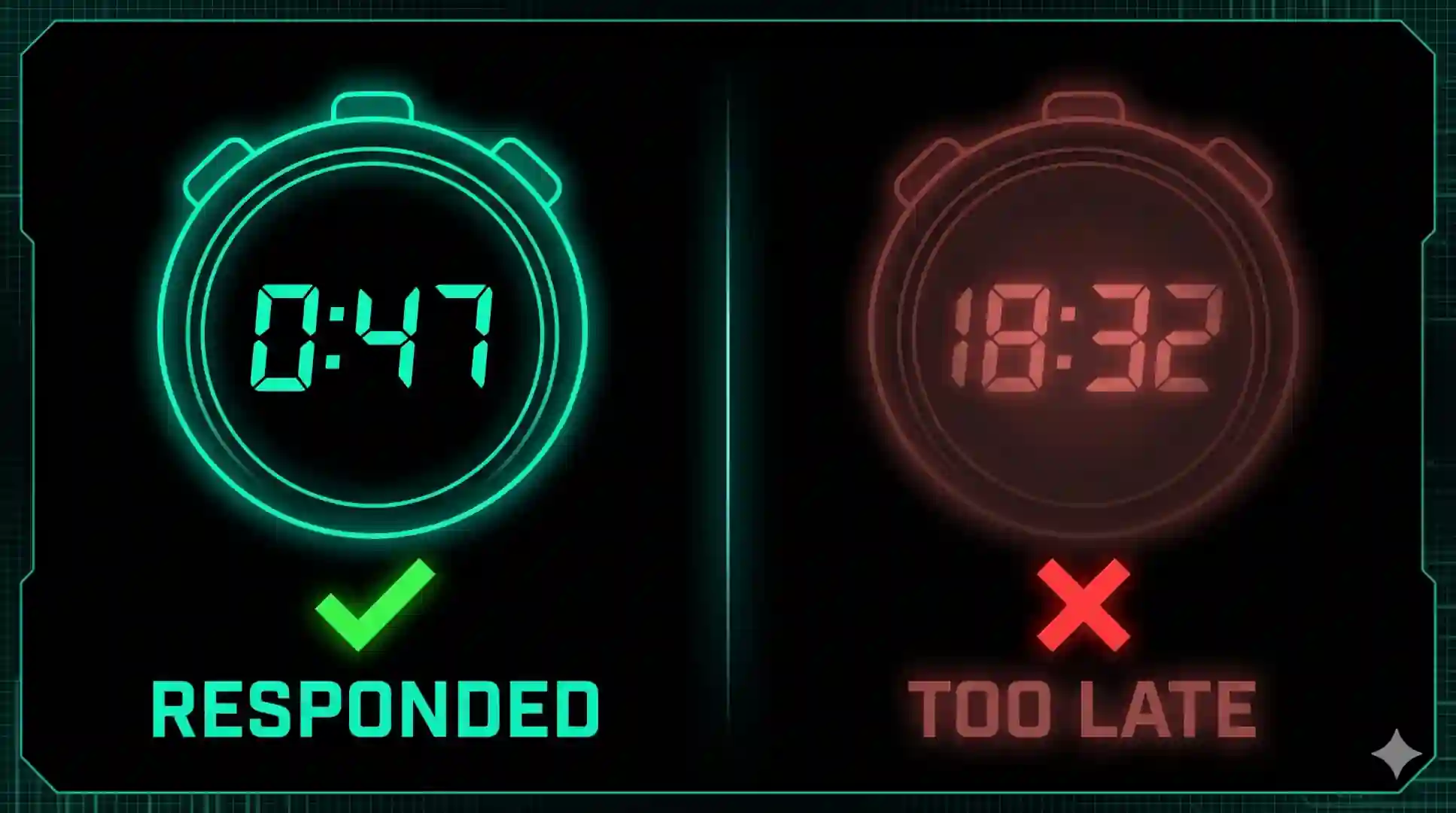
Faster responses (instant), lower no-shows (automated reminders).

The AI Employee Stack (How Components Work Together)
- Attract & capture
- Website chat widget greets in <2s; Facebook/Instagram DMs and Google Business Messages mirror the same flows.
- Tap-to-call routes to Voice AI after hours or when the team is busy.
- Qualify & book
- AI asks name → need → location → timeline → email/phone.
- Shows 2–3 live times, books instantly, and sends confirmations.
- Sync & follow up
- Contact + transcript saved to CRM with tags (source/page/campaign).
- Automated reminders reduce no-shows; Reviews AI nudges satisfied clients.
- Escalate & learn
- VIP/urgent paths go to humans with full context.
- Weekly QA on transcripts → tighten scripts and routing.
Where It Belongs in Your Funnel
- Home, Services, Pricing, Locations: Conversation AI widget with “Book Now” button.
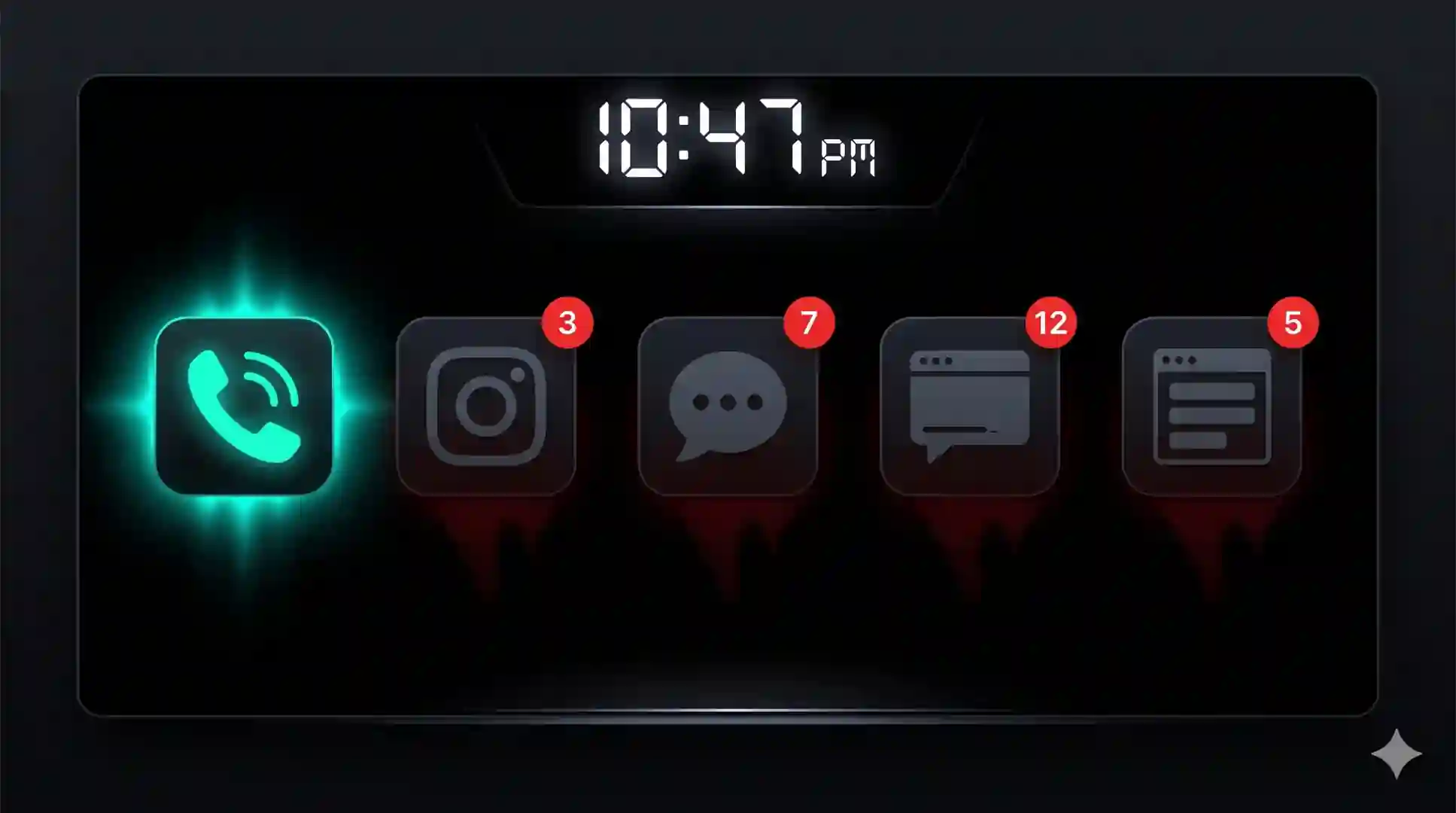
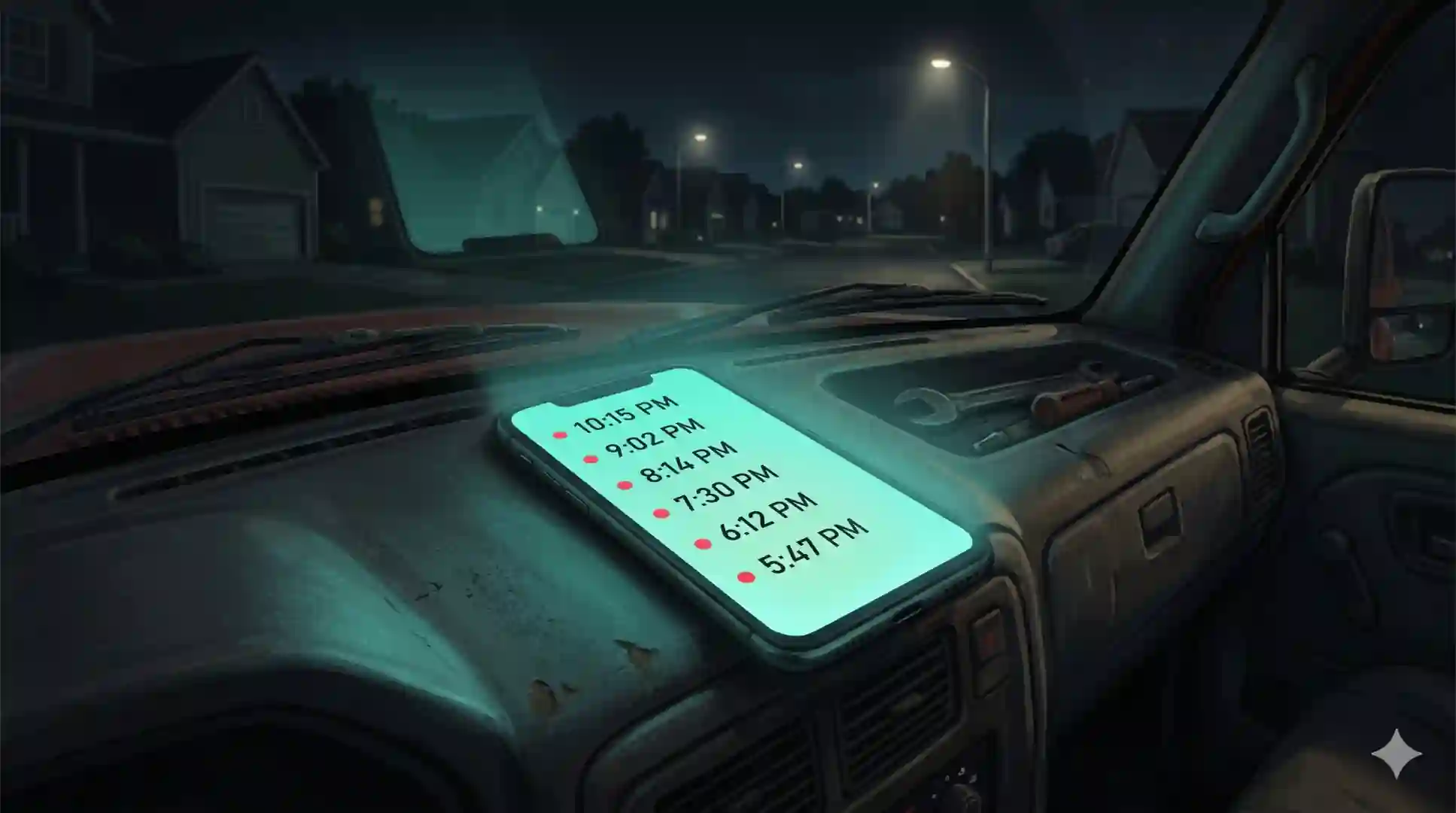
- Phone: Voice AI answers 24/7; missed-call recapture via consented SMS.
- Thank-You & Post-Service: Reviews AI with safeguards (private recovery path for negative feedback).
- CRM & Calendar: The single source of truth—every call/chat creates or updates a record.
Scripts That Convert
Goal: Keep turns short, end with a choice, and always progress toward booking.
- Greeting
“Thanks for contacting [Brand]—I can help you book a time or give a quick price range. What’s your name?” - Need + Timeline
“Great, {name}! What do you need help with, and how soon?” - Qualification
“Which area are you in?” → “What’s the best email or mobile to confirm your booking?” - Offer to Book
“We have tomorrow 10:30 AM or 3:00 PM. Which works better?” - Objection handlers
- Price: “Most jobs like this are $X–$Y. We’ll confirm before we start—want me to reserve a visit?”
- Availability: “Earliest is tomorrow 3:00 PM; next is Wed 9:00 AM. Shall I save one?”
- Wants human: “I can connect a specialist now or book a quick callback. Which do you prefer?”
- Confirm + Next Steps
“All set for {slot}. I’ll send confirmation and reminders. Anything else today?”
Pro tip: Mirror the customer’s words (“repair” vs “service”). People say yes to what sounds familiar.
Compliance, Privacy, and Brand Safety
- Consent for recordings and SMS/email follow-ups where required.
- Data minimization (collect only what you use); clear retention policy.
- Role-based access in CRM; audit logs for changes.
- Human fallback for sensitive or complex topics.

KPIs That Matter (Track Weekly)
- Answer rate & first-response time (target: instant).
- Qualification rate (complete contact + intent captured).
- Bookings and show-up rate (reminders reduce no-shows).
- Cost per booking vs baseline staffing/answering services.
- Review volume & rating trend (local SEO momentum).
- Revenue per 100 visits/calls (tie to campaigns and pages).
30-60-90 Day Rollout Plan
Day 1–30: Launch (MVP)
- Map top 5 intents + FAQs; write short, on-brand scripts.
- Connect calendar, phone, CRM; enable recordings/transcripts.
- Ship Conversation AI on high-intent pages; Voice AI for after hours.
- Baseline metrics (response time, bookings, no-shows).
Day 31–60: Optimize
- Trim prompts, add 2 objection handlers, tighten routing rules.
- Turn on reminders and missed-call recapture (consent-based SMS).
- Start Reviews AI with private recovery for negatives.
- Build owner/ops/sales dashboards from CRM data.
Day 61–90: Scale
- Add social DMs and Google Business Messages.
- Create segmented nurture (new lead, lost deal, returning visitor).
- Weekly QA on transcripts → publish improvements.
- Add 2–3 automations/month (Pro): review routing, internal alerts, smart hand-offs.
Calculate ROI
FAQs
What is an AI Employee for SMBs?
A coordinated system of Voice AI, Conversation AI, Reviews AI, and automations that answers, qualifies, books, and logs to your CRM 24/7.
Does it replace staff?
It handles routine work so your team focuses on complex cases and higher-value conversations.
Will it sound robotic or off-brand?
No. We tune tone, brevity, and escalation rules. Complex topics route to humans with full context.
How fast can we go live?
Same day to 48 hours after scripts, booking rules, and access are ready.
Will it work with our CRM and calendar?
Yes—common stacks are supported. We map fields, pipelines, and permissions during onboarding.
Is it compliant?
We implement recording/SMS consent, data minimization, retention, and role-based access.